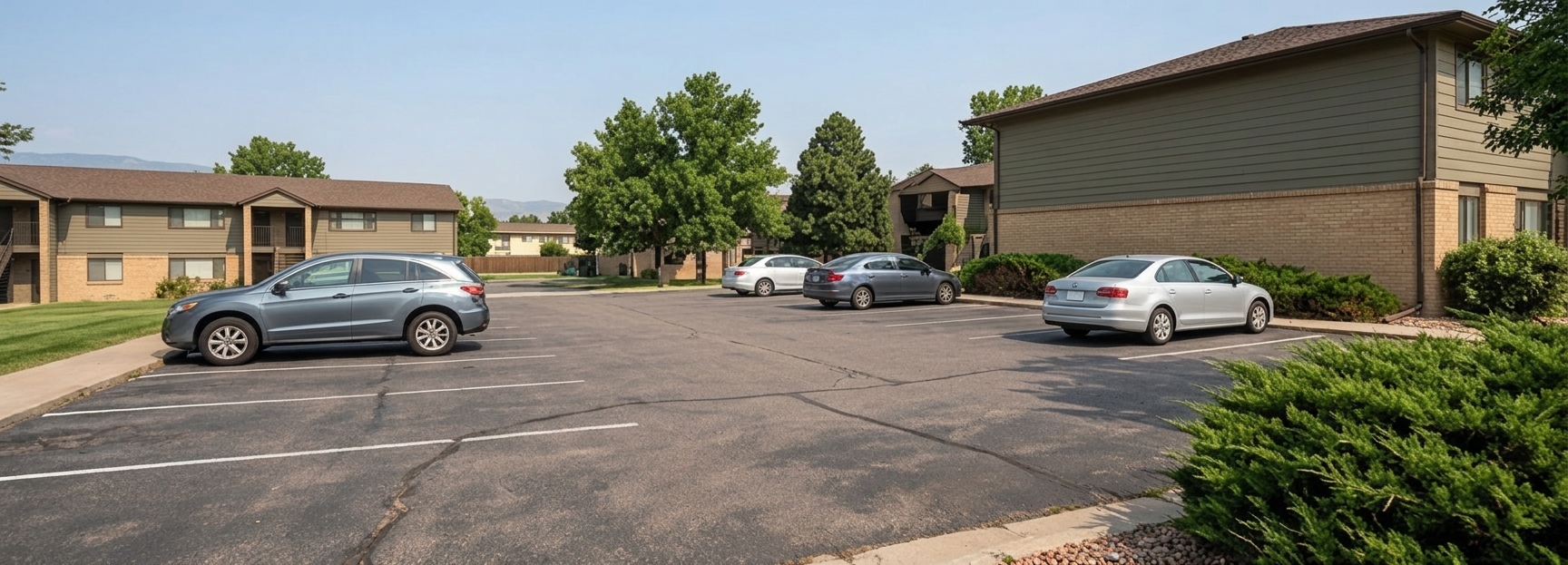
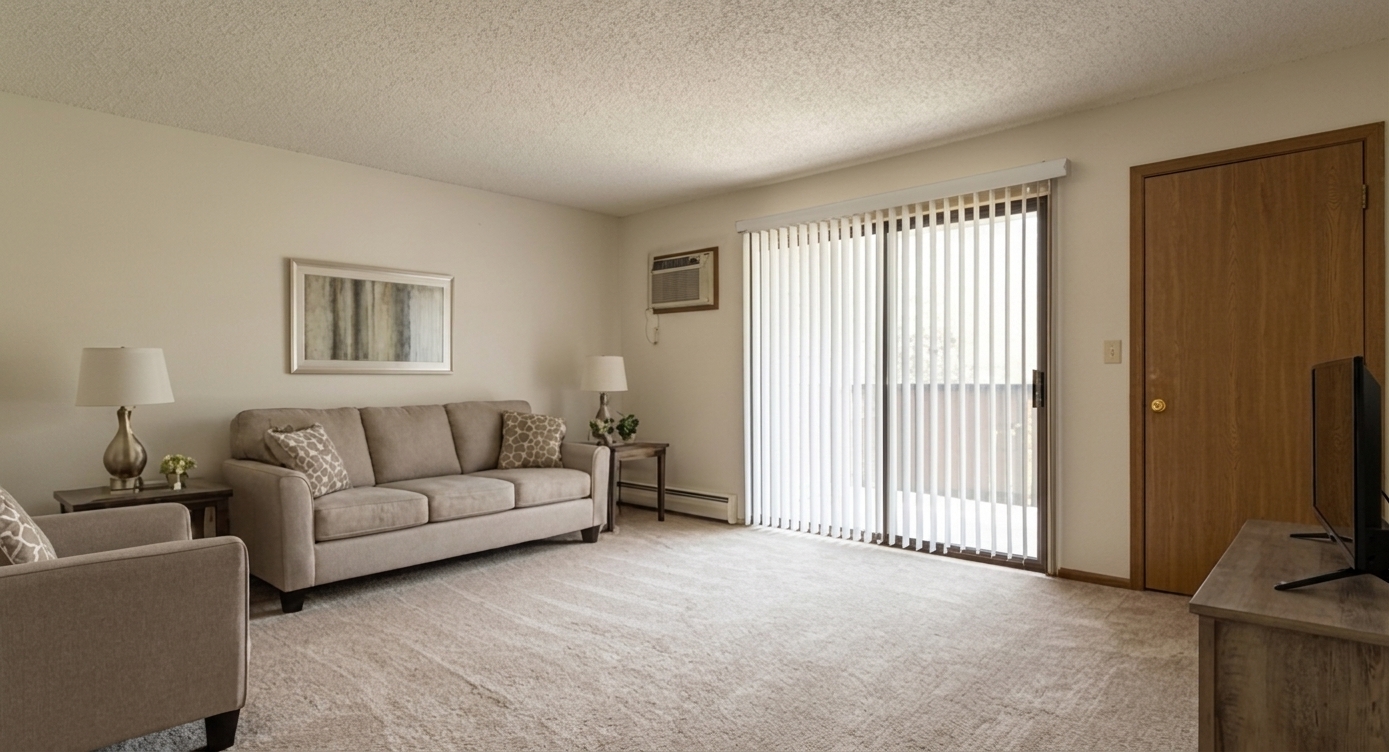
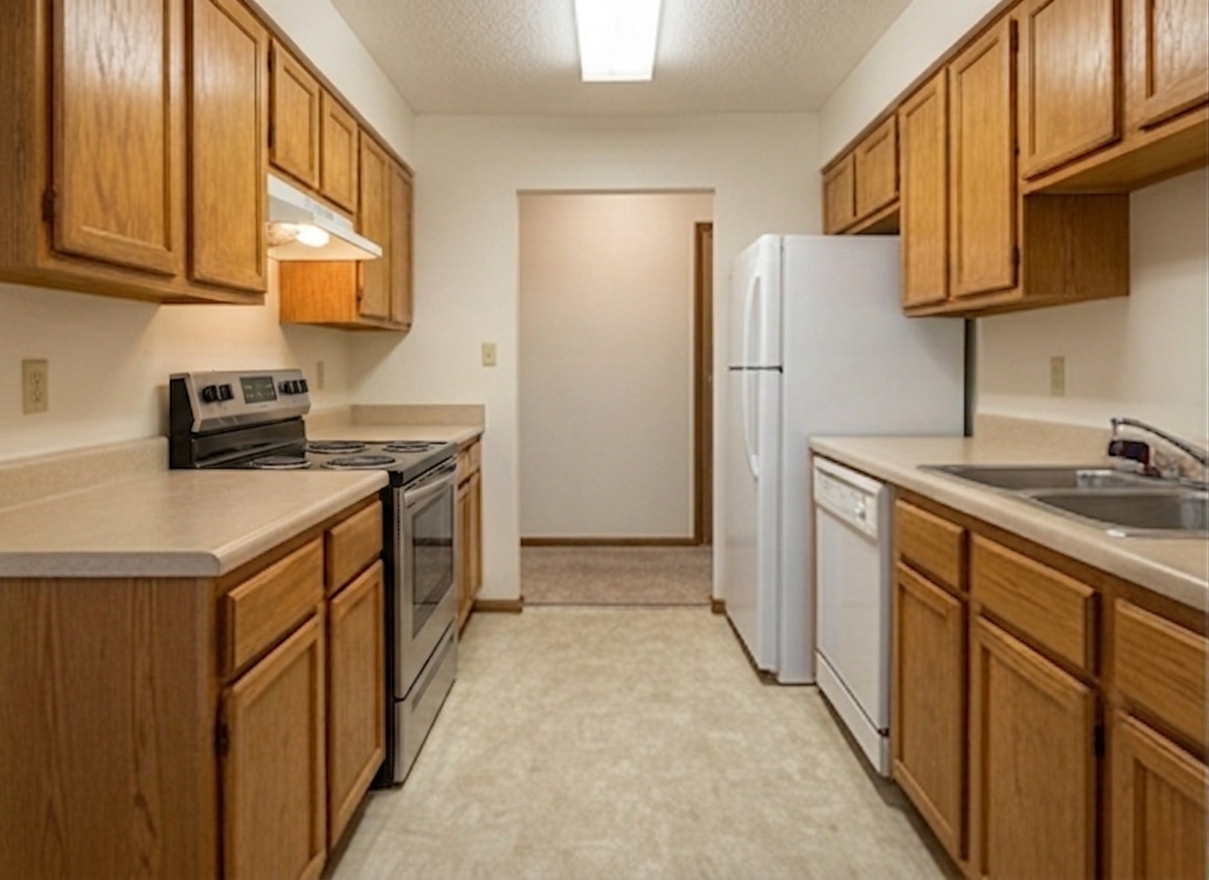
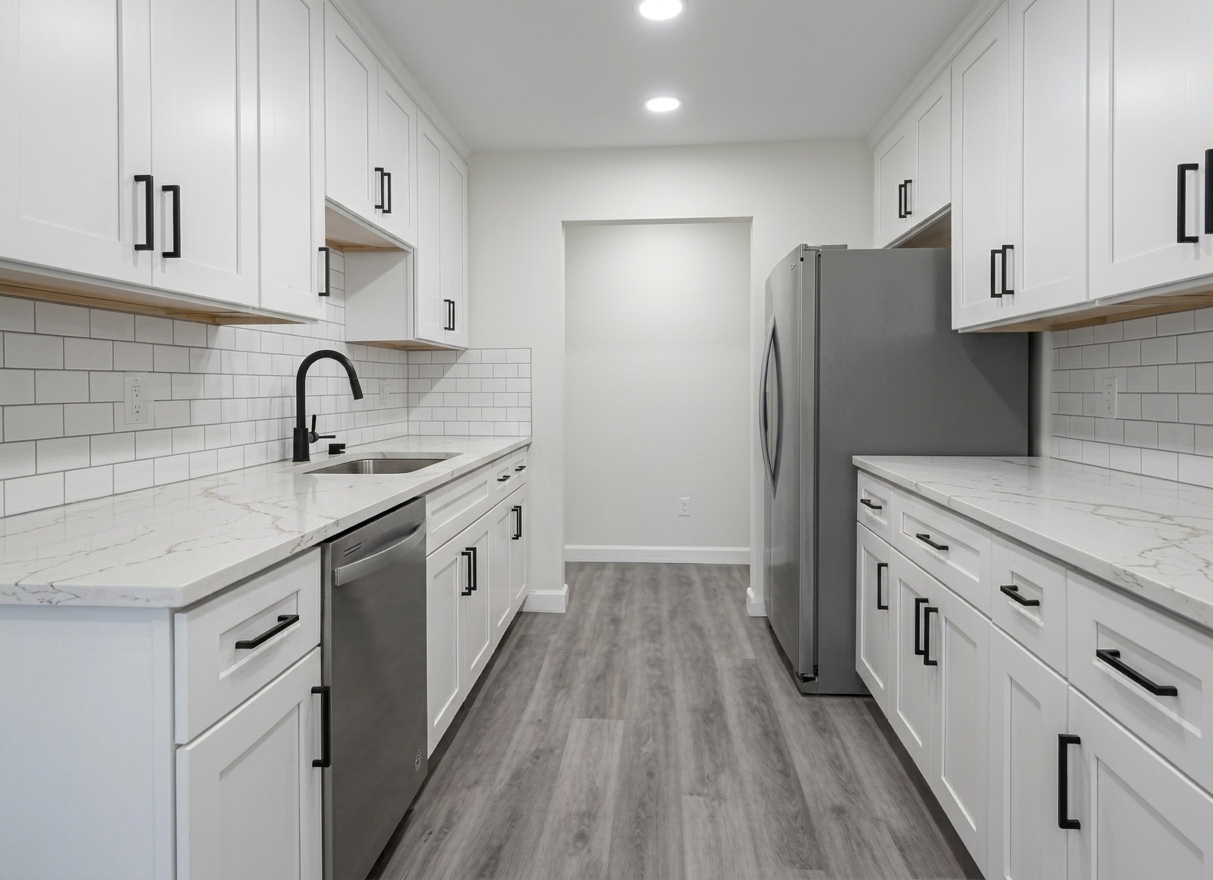
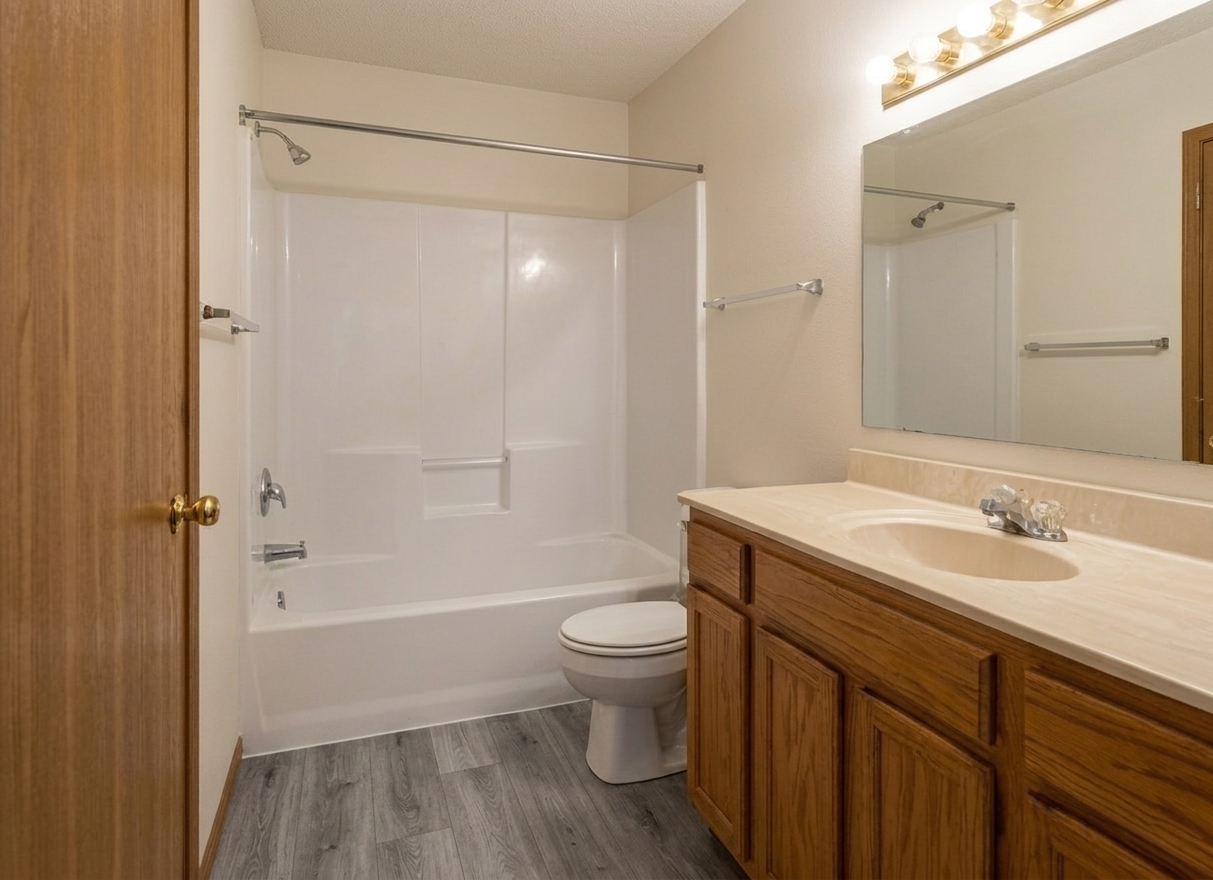
Shields Street Flats — property images
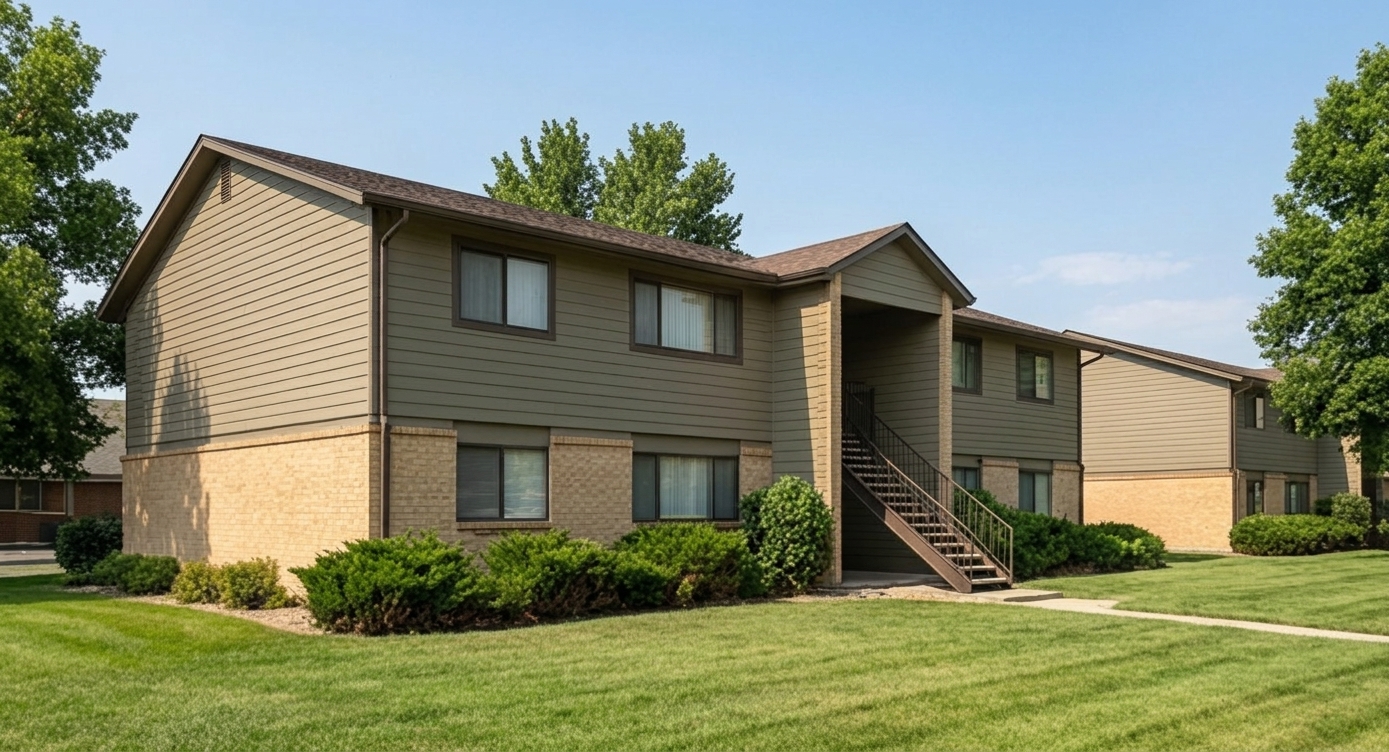
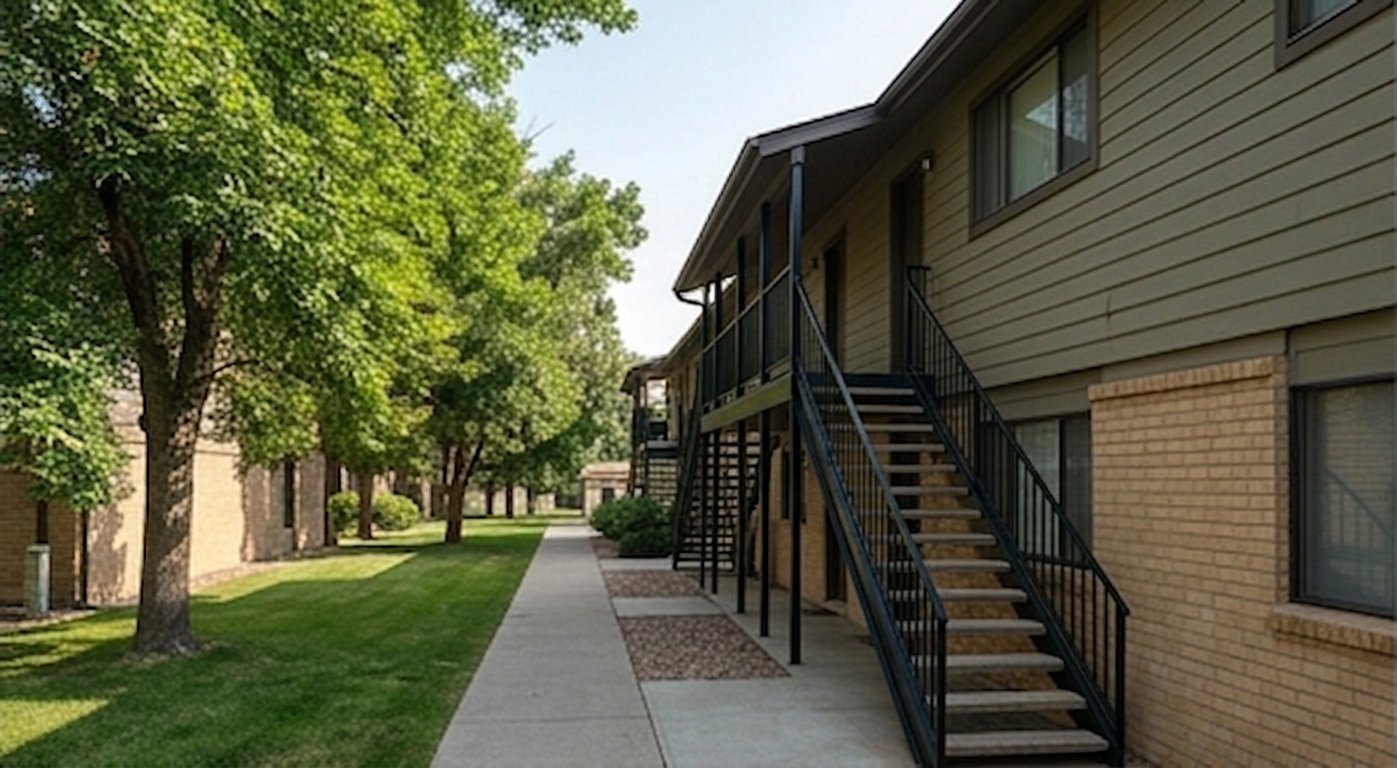
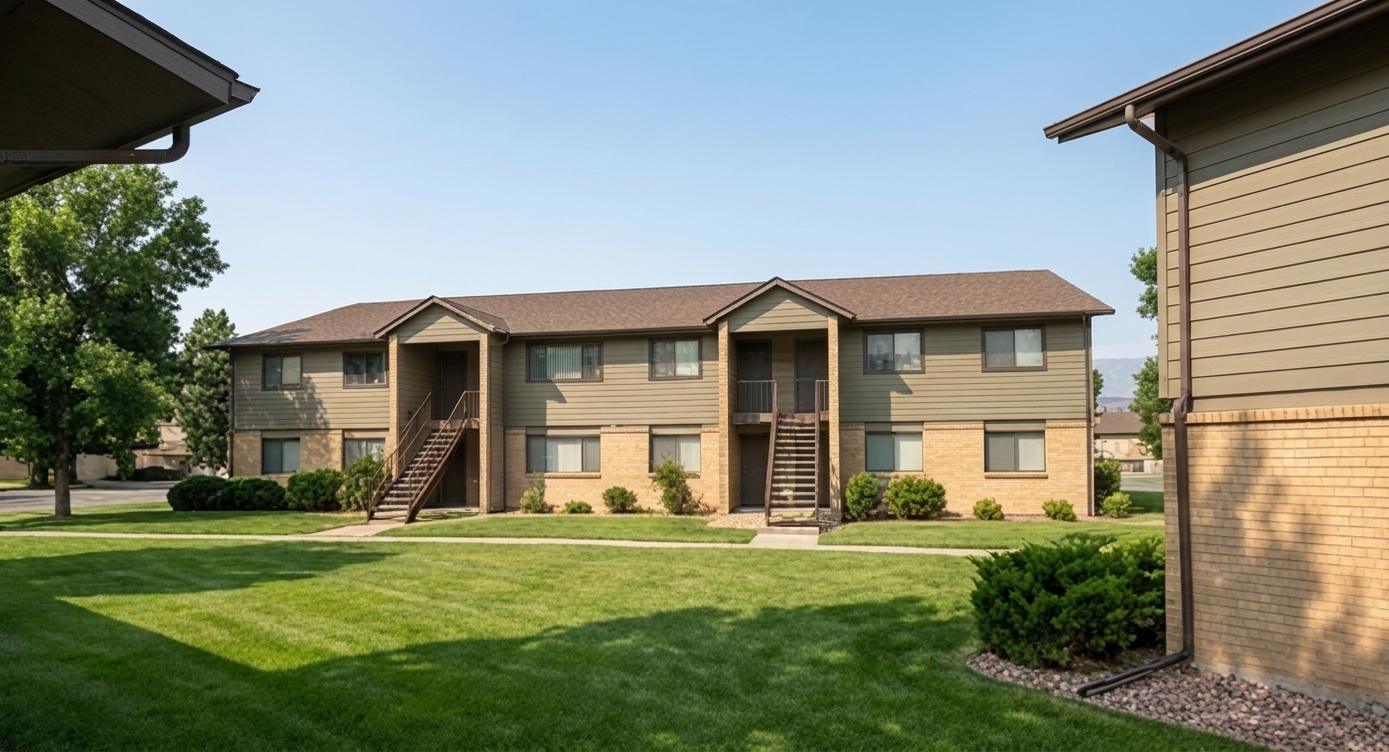
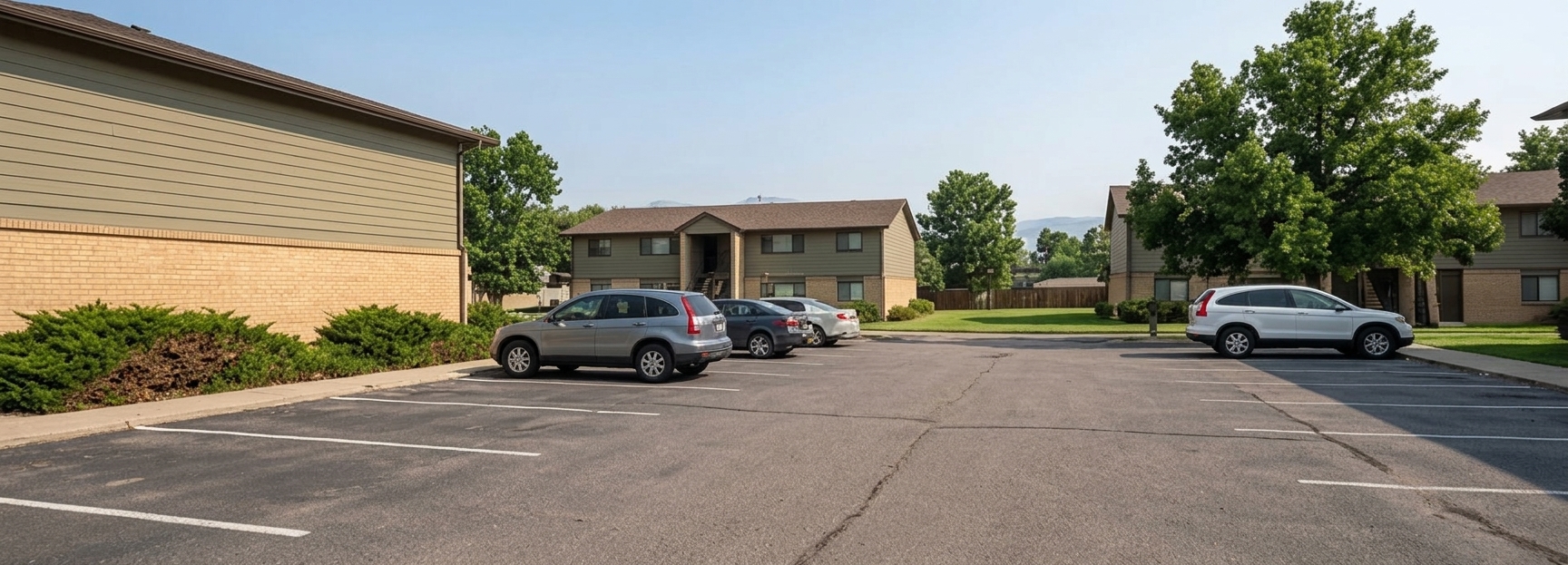
Images for the classroom underwriting exercise. Add them to your property in Solsten so your generated documents look like a real deal package.
Shields Street Flats is a fictional teaching property. These images are provided for classroom use in this exercise.
How to add them to your property
- Download the zip (or save individual images below).
- In Solsten, open your property and go to the Property Highlights page.
- Upload the images to your property, and set the front exterior shot as the primary photo.